FREE TOOL // Crawl the Line
Crawl the Line: Sewer Camera Simulator
Drive a virtual sewer camera down 120 feet of pipe, log what it finds and print your own inspection report.
 RECCH 0100:00:00
Four quick steps.
- 01
Set the camera rolling
Press Run, or drag the footage slider along the 120 feet of pipe.
- 02
Watch the feed
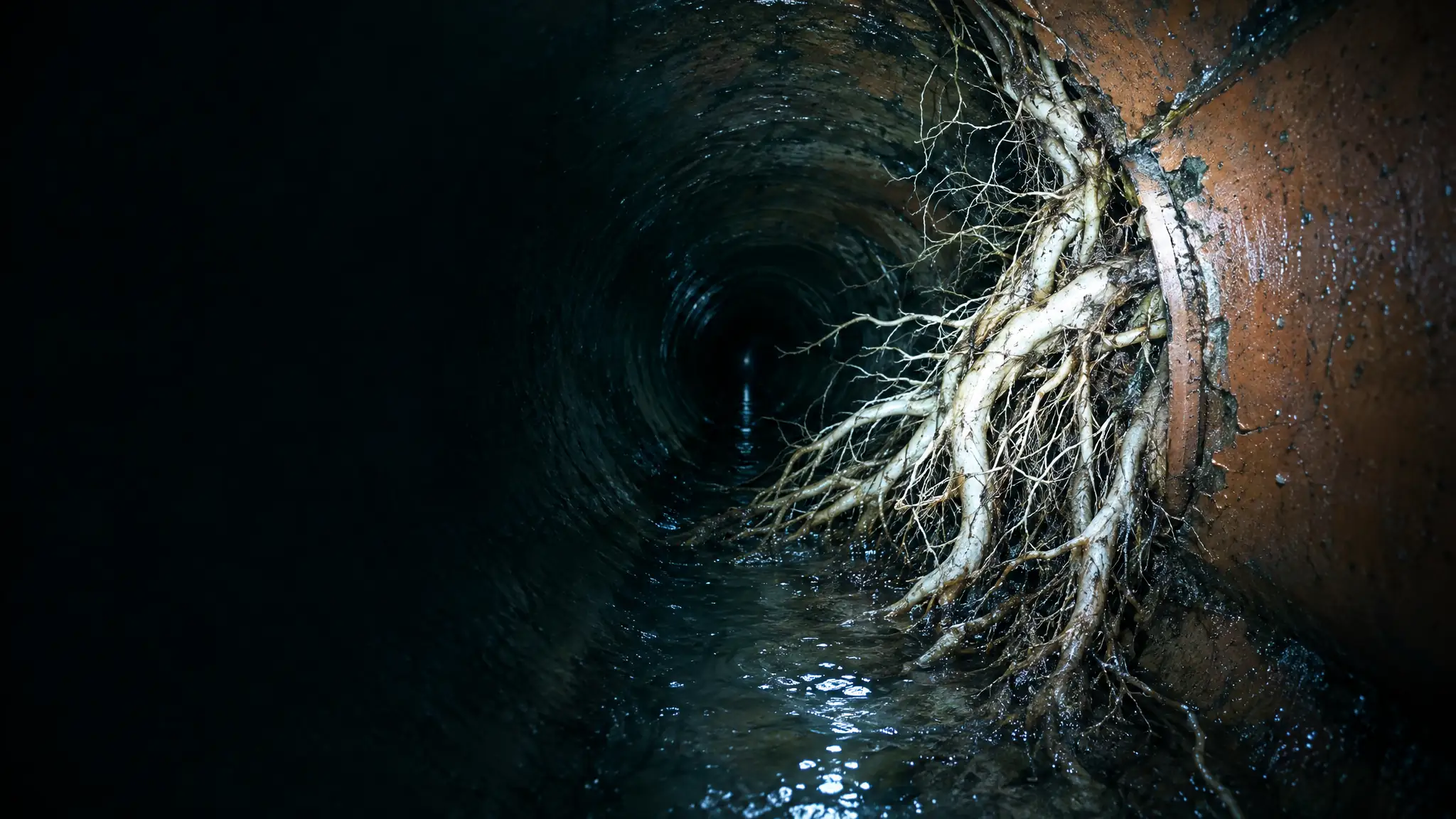
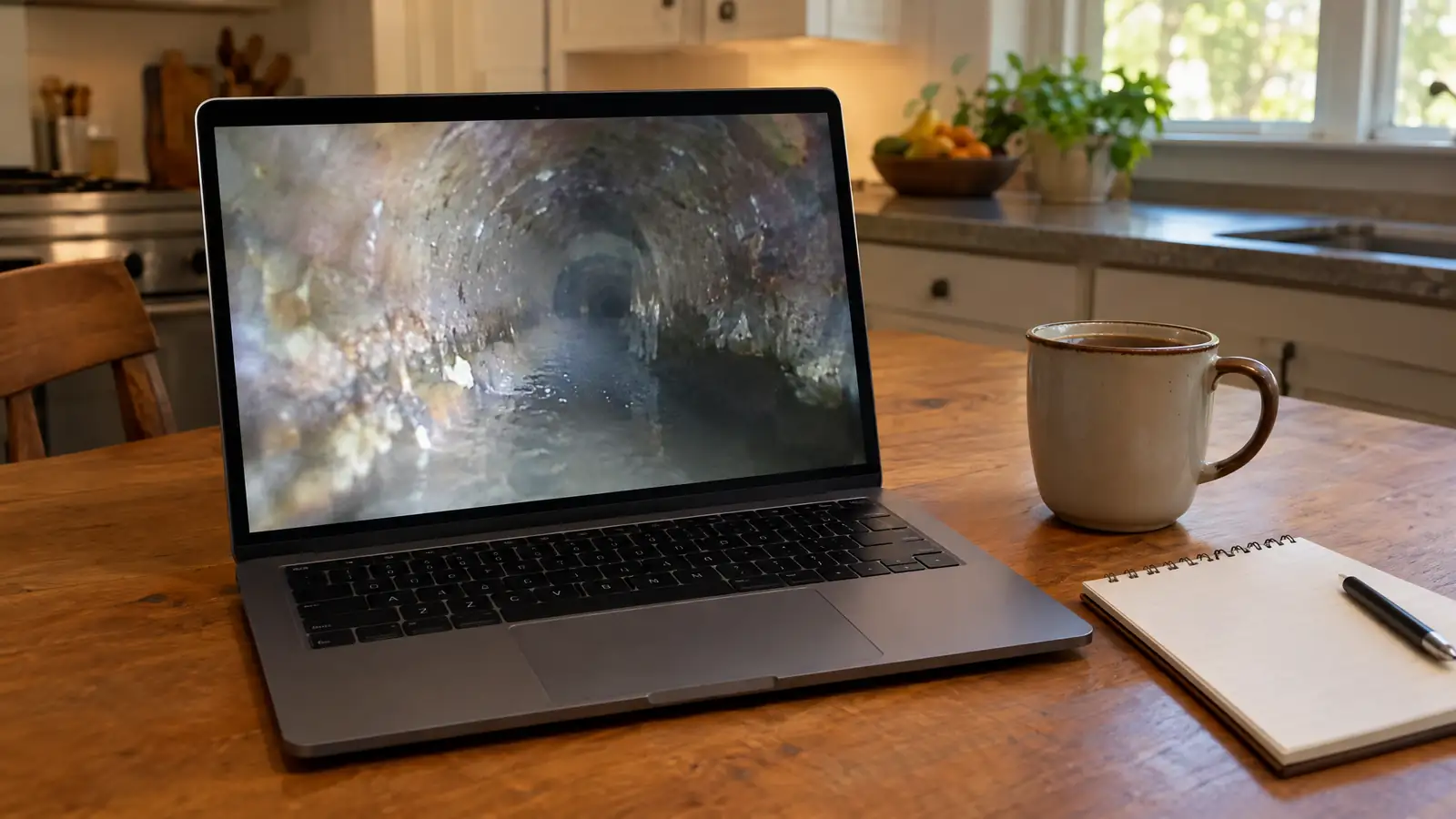
The picture, footage counter and condition readout update as the camera advances.
- 03
Log findings
Tap Log finding when something looks wrong, or let auto-log catch it.
- 04
Print the report
Finish the run for a sample inspection summary you can send to us.
About this tool.
Is this my sewer line?
No. It is a sample 120-foot run built from typical conditions so you can see how an inspection goes.
Are the pictures real?
They are generated illustrations of typical conditions, not photos of a customer’s pipe.
Can I send my report to you?
Yes. Use the form under the tool and we will follow up.
Related files.
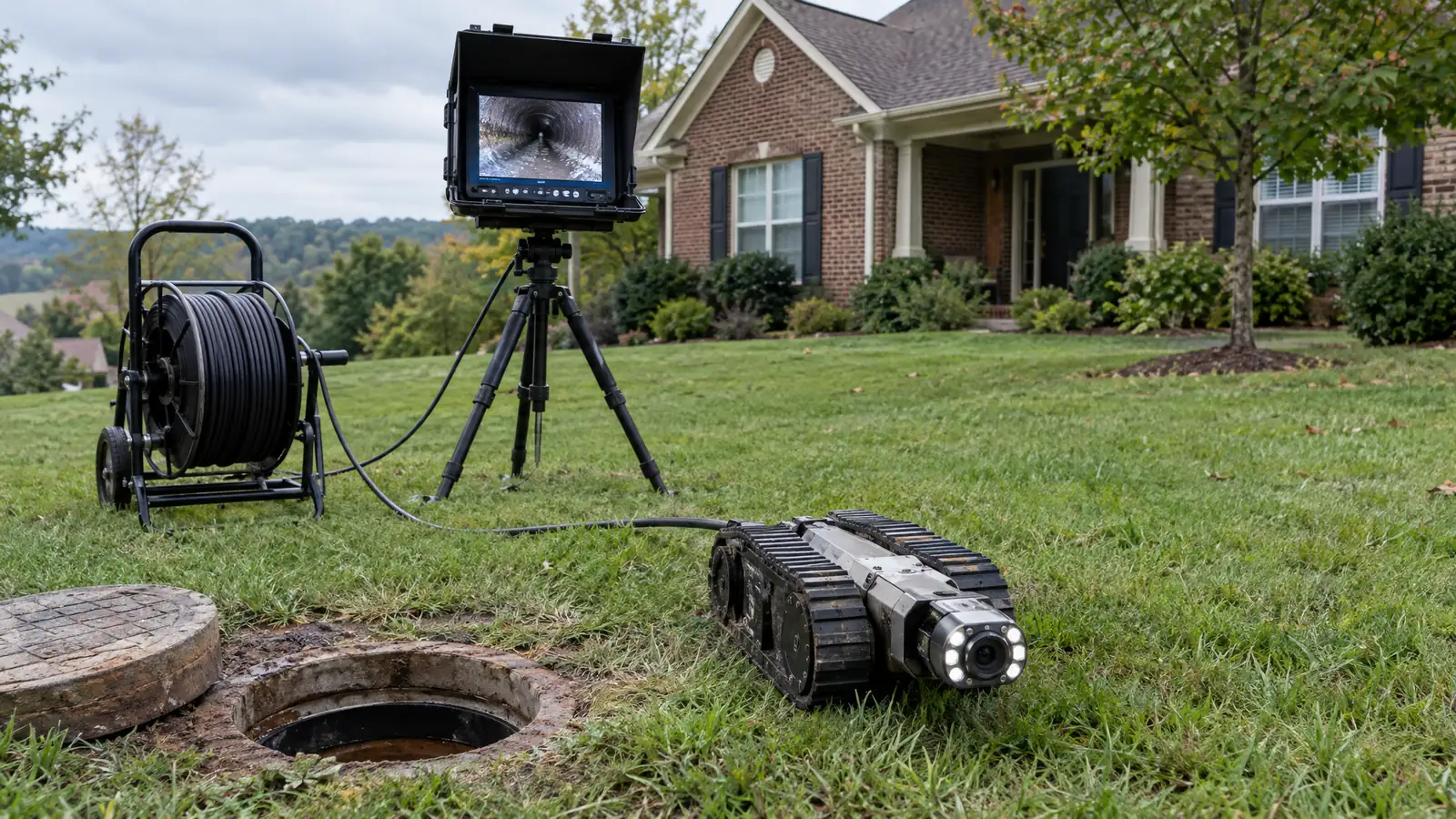 FILE A-01 InspectSewer Camera InspectionA waterproof camera travels your whole sewer line while we record, so you see the pipe instead of…Open file
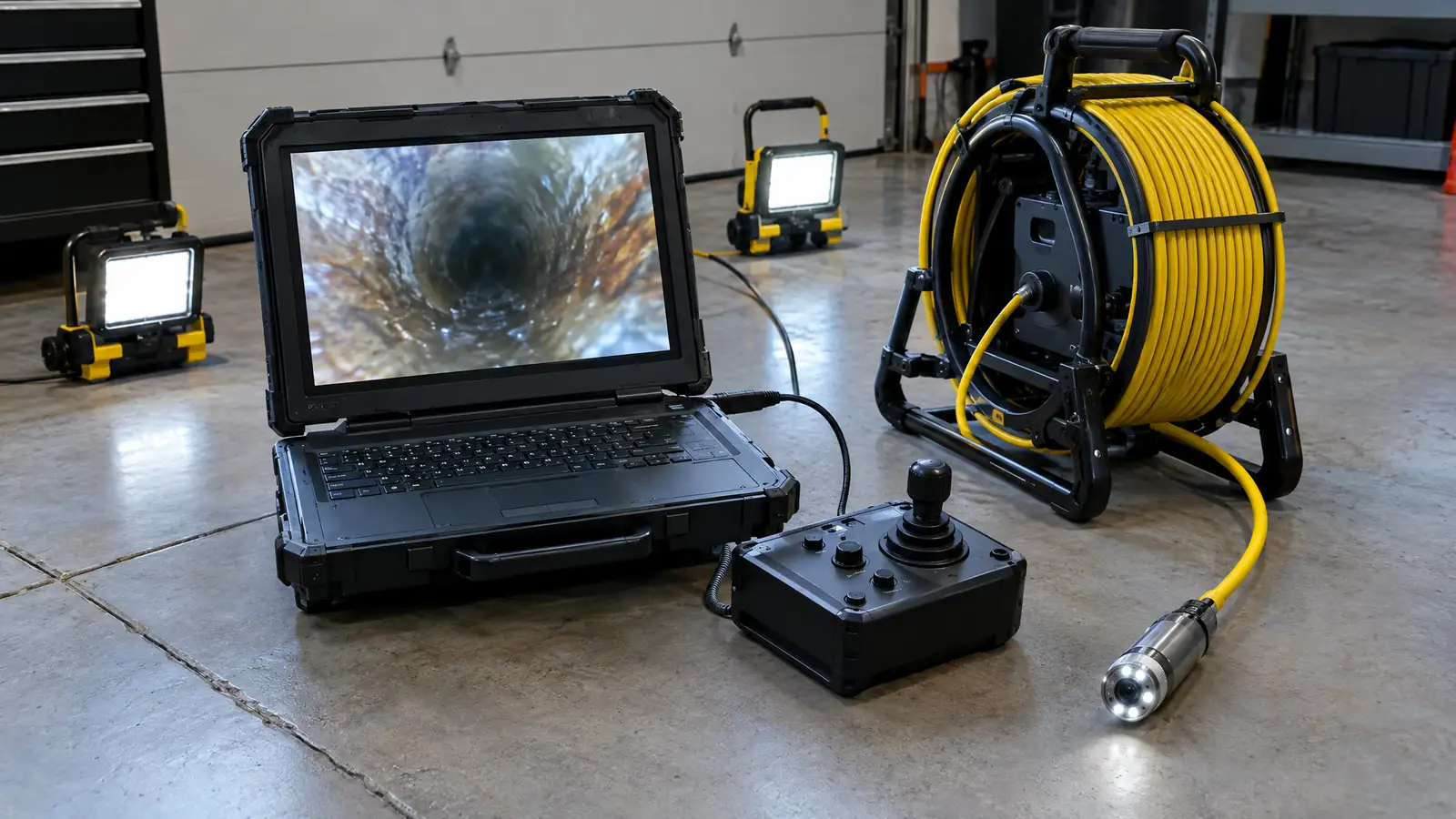 FILE A-03 InspectCCTV Drain InspectionCCTV inspection is the industry term for putting a camera in a pipe and recording the trip, and…Open file
 FILE E-06 VerifyVideo Report & DocsThe footage is only useful if you can use it. Every inspection comes with the recording and a…Open file